



How to Change Your Subaru Key Fob Battery: A Simple Step-by-Step Guide
When your Subaru key fob starts responding slowly—or stops working entirely—it’s often a sign that the battery is running low. Taking a few minutes to replace it can help you avoid being caught off guard, especially when you’re heading out for a busy day or a weekend trip.
Whether your Subaru uses a push-to-start system or a traditional key ignition, the steps below will guide you through the battery replacement process clearly and confidently
What Battery Does Your Subaru Key Fob Use?
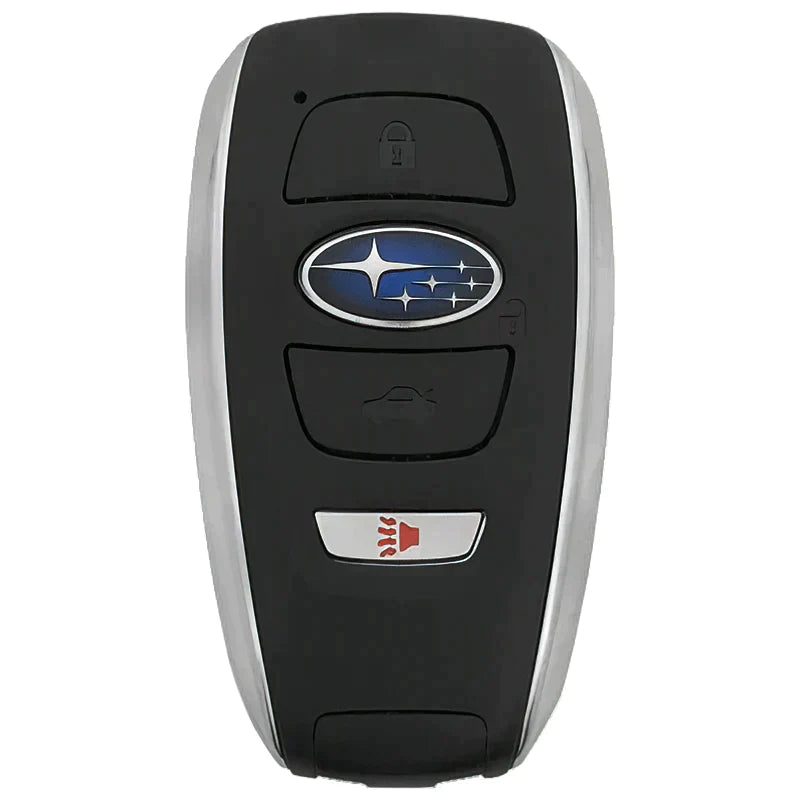
- Push-to-Start Vehicles: Use a CR2032 coin-cell battery
- Key-Start Vehicles: Use a CR1620 coin-cell battery
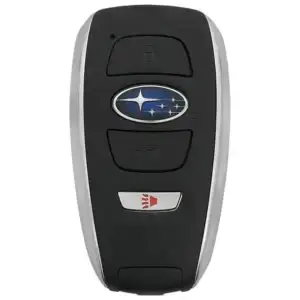
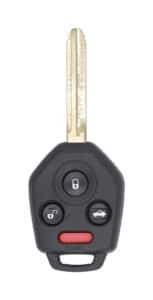
Not sure which one you have? If your Subaru starts with the press of a button, go with the CR2032. If you insert and turn a physical key to start the engine, it’s the CR1620.
What You’ll Need:
- A flathead screwdriver (a coin can work in a pinch)
- A new CR2032 or CR1620 battery (check your owner’s manual or match the one currently inside)
- A clean cloth or paper towel (to protect the fob and your fingers)
Step-by-Step: How to Replace the Battery
1. Remove the Mechanical Key
Look for a small button or release latch on the back of your key fob. Press it and slide out the metal key hidden inside.
2. Open the Key Fob
Use your flathead screwdriver to gently pry open the fob. Insert the tip into the seam where the two halves of the key fob come together (you’ll often see a small notch made for this purpose). Twist the screwdriver carefully until the case pops open.
Tip: Wrap the screwdriver in a cloth to avoid scratching the plastic.
3. Take Out the Old Battery
Note which way the battery is facing (usually positive side up). Use your screwdriver or fingernail to gently lift it out.
4. Insert the New Battery
Drop the new battery into place, making sure the positive (+) side is facing the same direction as the old one.
5. Snap the Fob Back Together
Line up the two halves of the key fob and press them together until they snap securely shut.
6. Reinsert the Mechanical Key
Slide the metal key back into its slot until it clicks into place.
That’s It!
Your Subaru key fob should now work as good as new. If it doesn’t respond right away, double-check that the battery is properly seated and the case is snapped together tightly.
Replacing the battery yourself is quick and saves you a trip —though if you ever run into trouble, Wilsonville Subaru is always here to help. We keep the right batteries in stock and can walk you through the process in person if you’d prefer!
Need a New Battery or Key Fob Help?
Stop by Wilsonville Subaru or give us a call at (503) 946-9203—we’re happy to help with quick fixes or answer any key fob questions you’ve got!
Sources:

1 comment(s) so far on How to Change Your Subaru Key Fob Battery: A Simple Step-by-Step Guide
thank you for the key fob instructions